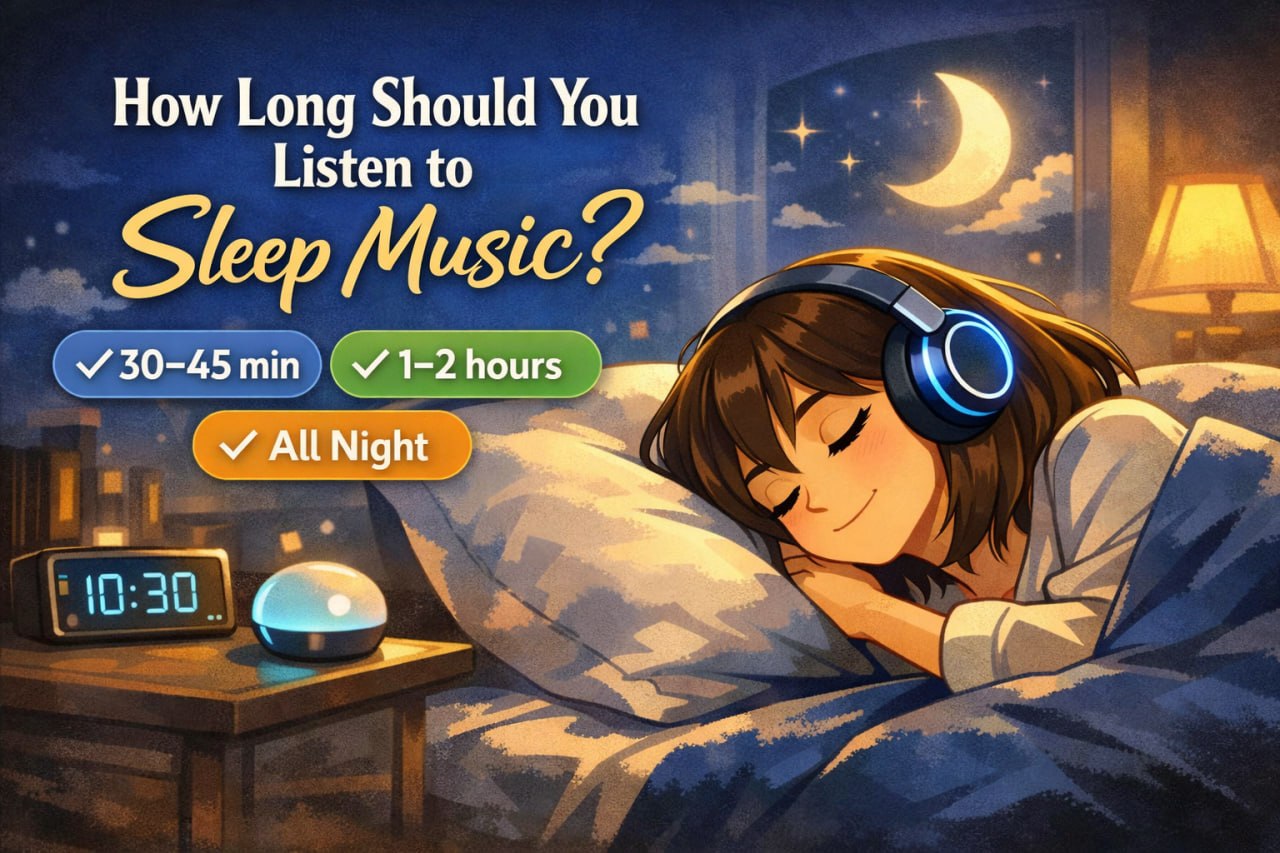
How Long Should You Listen to Sleep Music?
“Should I play sleep music for 30 minutes… or all night?”
Both can work—but for different goals. Most people use sleep audio for one of two things:
- Fall asleep faster (sleep onset)
- Stay asleep (reduce wake-ups, mask noise, ease racing thoughts)
This guide gives you simple ranges, decision rules, and setup tips—so you can choose what actually fits your sleep pattern.
What you’ll learn
- The best durations for falling asleep vs staying asleep
- When all-night playback helps (and when it backfires)
- Safe, comfortable setups (timer, volume, speakers vs headphones)
- How to troubleshoot common problems (waking up, irritation, “it stopped working”)
First: choose the right goal
Before you pick a duration, answer one question:
Your main problem is…
- A) I can’t fall asleep → choose short to medium durations
- B) I fall asleep but wake up → choose medium to all-night durations
- C) I wake up from noise / partner / street → choose long durations (masking)
- D) Racing thoughts at night → choose durations based on when thoughts spike (bedtime vs 3 a.m.)
Sleep music duration ranges (what to use and why)
1) 20–45 minutes — best for falling asleep
Use when: your issue is “I can’t switch off,” but once asleep you usually stay asleep.
Why it works: it supports the transition into sleep without becoming another “thing” your brain tracks.
Best for:
- Sleep onset anxiety
- Restless mind at bedtime
- Occasional insomnia nights
Setup tip: use a sleep timer so it fades out while you’re already drifting.
2) 60–120 minutes — best for early-night stability
Use when: you fall asleep, but wake up in the first part of the night, or you’re sensitive to sudden silence.
Why it works: many people are most fragile in the early part of the night; steady sound helps prevent “micro-wake-ups.”
Best for:
- Light sleepers
- People who wake up soon after falling asleep
- Homes with intermittent noise
Setup tip: if your app supports it, choose gentle volume fade rather than an abrupt stop.
3) All night (looped) — best for staying asleep + noise masking
Use when: you’re waking because of environmental noise, a partner, or unpredictable sounds.
Here sleep audio works less as “relaxation” and more as a stable sound blanket.
Best for:
- City noise / neighbors / hallway sounds
- Partner who snores or moves
- Irregular noise that keeps “alerting” your brain
When all-night playback backfires
- You wake up feeling overstimulated or annoyed
- The sound becomes “too present” at 3–5 a.m.
- You start turning it up over time
Rule: all-night listening is only good if it stays quiet, consistent, and ignorable.
What about “30 minutes vs all night” — which is better?
Use this simple rule:
- If your issue is falling asleep → start with 30–45 min
- If your issue is staying asleep or noise → try 90 min first, then all night if needed
A lot of people jump straight to all-night audio when they only needed a clean bedtime transition.
Best duration by sleep situation
If you can’t fall asleep (mind won’t stop)
- Start: 30–45 min
- If still struggling: 60–90 min
- Add: a simple bedtime routine (dim lights, no scrolling)
If you wake up once per night
- Start: 60–120 min
- If wake-ups are noise-related: consider all night at low volume
If you wake up multiple times
- Start: all night (for masking) or 2-hour block + restart if needed
- Also check: room temperature, caffeine timing, late screen use (common contributors)
If you wake at 3 a.m. with racing thoughts
- Use: 10–20 minutes when you wake (not necessarily all night)
- Rule: keep it calm and quiet; the goal is to interrupt the mental spiral, not “entertain” you
Safety and comfort: what matters most
Sleep music is generally a low-risk tool when used comfortably. The practical safety factors are:
1) Volume (most important)
Keep it low enough that it feels like a background layer, not a performance.
2) Headphones vs speakers
- Speakers are usually better for all-night comfort
- If you must use headphones, choose soft sleep headphones and keep volume low
3) Interruptions
Avoid notifications, autoplay ads, or tracks that change dramatically—anything that can “wake” the brain.
Common problems (and quick fixes)
“I wake up when the music stops.”
- Fix: extend the timer to 60–120 min or use a gentle fade-out
“All-night playback makes me irritated.”
- Fix: lower volume, simplify the sound, or switch to 90 minutes instead of all night
“It worked for a week, then stopped.”
This is often routine-related, not the music “failing.”
- Fix: keep the same bedtime, reduce late scrolling, and use consistent audio (not constant switching)
“I keep turning it up.”
- Fix: you’re likely using volume for stimulation. Reset to lower volume and shorten duration.
A practical setup you can copy
Option A: Sleep onset (30–45 min)
- Start audio when you get into bed
- Set timer to 30–45 min
- Keep volume low
- Don’t change tracks—let it run
Option B: Early-night stability (90 min)
- Timer 60–120 min
- Gentle fade-out
- If you wake at 3 a.m., do a short 10–15 min session again
Option C: Noise masking (all night)
- Loop consistent audio
- Lowest comfortable volume
- Use speakers if possible
- Avoid anything dynamic, bright, or “attention-grabbing”
FAQ
Often yes—especially if your main issue is falling asleep. Many people don’t need all-night playback.
Only if it helps you stay asleep or masks noise. Keep it low volume and consistent.
Try 60–120 minutes first. If wake-ups are triggered by noise, all-night playback can help.
At normal volume, it’s generally not harmful to the brain. The main practical risks relate to volume (hearing) and comfort.
It can be, but many people sleep better with speakers. If using sleep headphones, keep volume low and prioritize comfort.
Some brains notice a sudden change in the sound environment. A longer timer or gentle fade-out usually fixes it.
Lower the volume, switch to simpler audio, shorten the session, or turn it off for a few nights and reset.
Use a short 10–20 minute session to calm racing thoughts rather than running audio all night (unless noise is the cause).
Yes—naps usually benefit from shorter durations (10–30 minutes) and a timer.
It can help indirectly by supporting relaxation and reducing awakenings—especially when paired with good sleep habits.